
Adding Airspaces to Gaggle
Explore > Airspaces
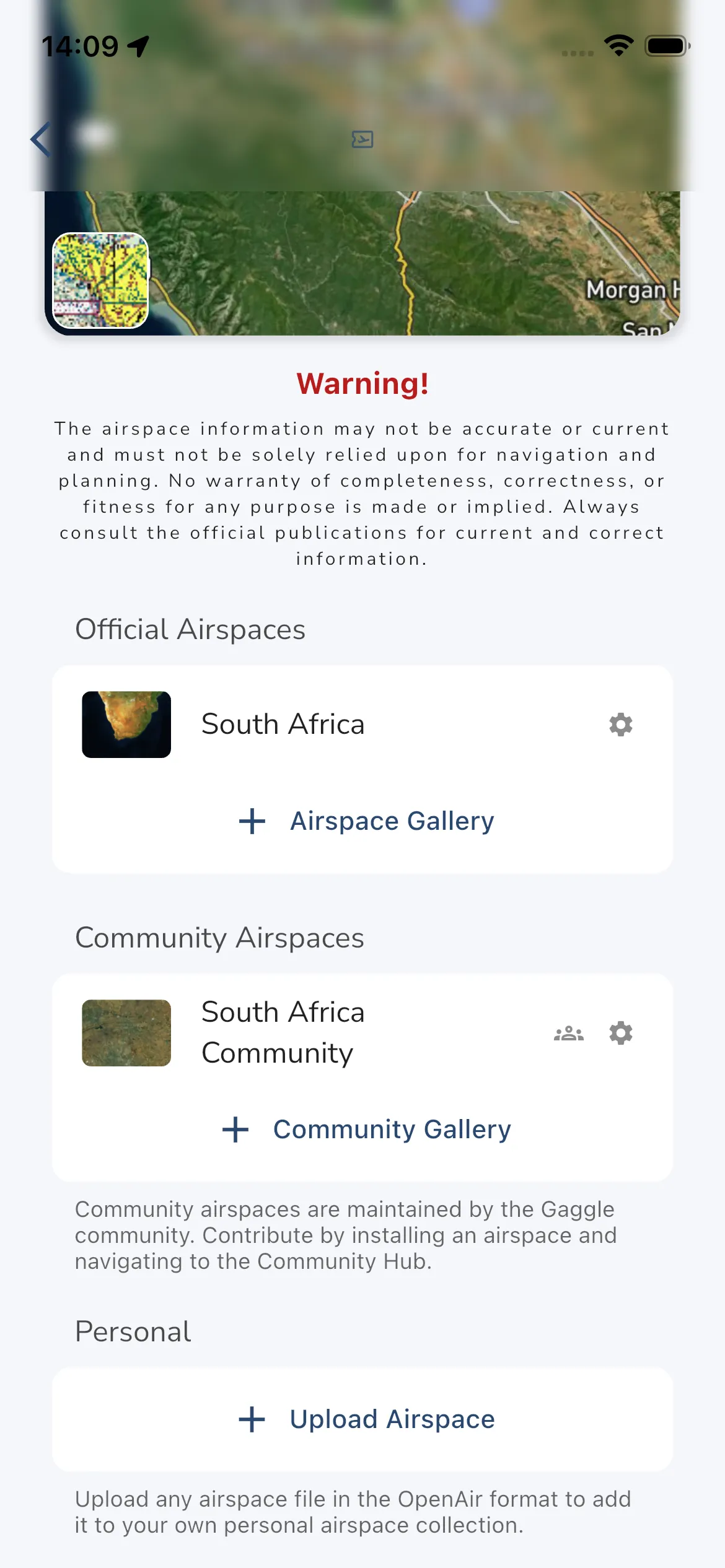
Use the Airspaces page to manage three different sources of airspace data:
- Official Airspaces for supported countries and regions.
- Community Airspaces for community-maintained packs that can also be edited and moderated in Gaggle.
- Personal uploads for your own OpenAir files.
To install an official or community airspace pack:
- Open Explore > Airspaces.
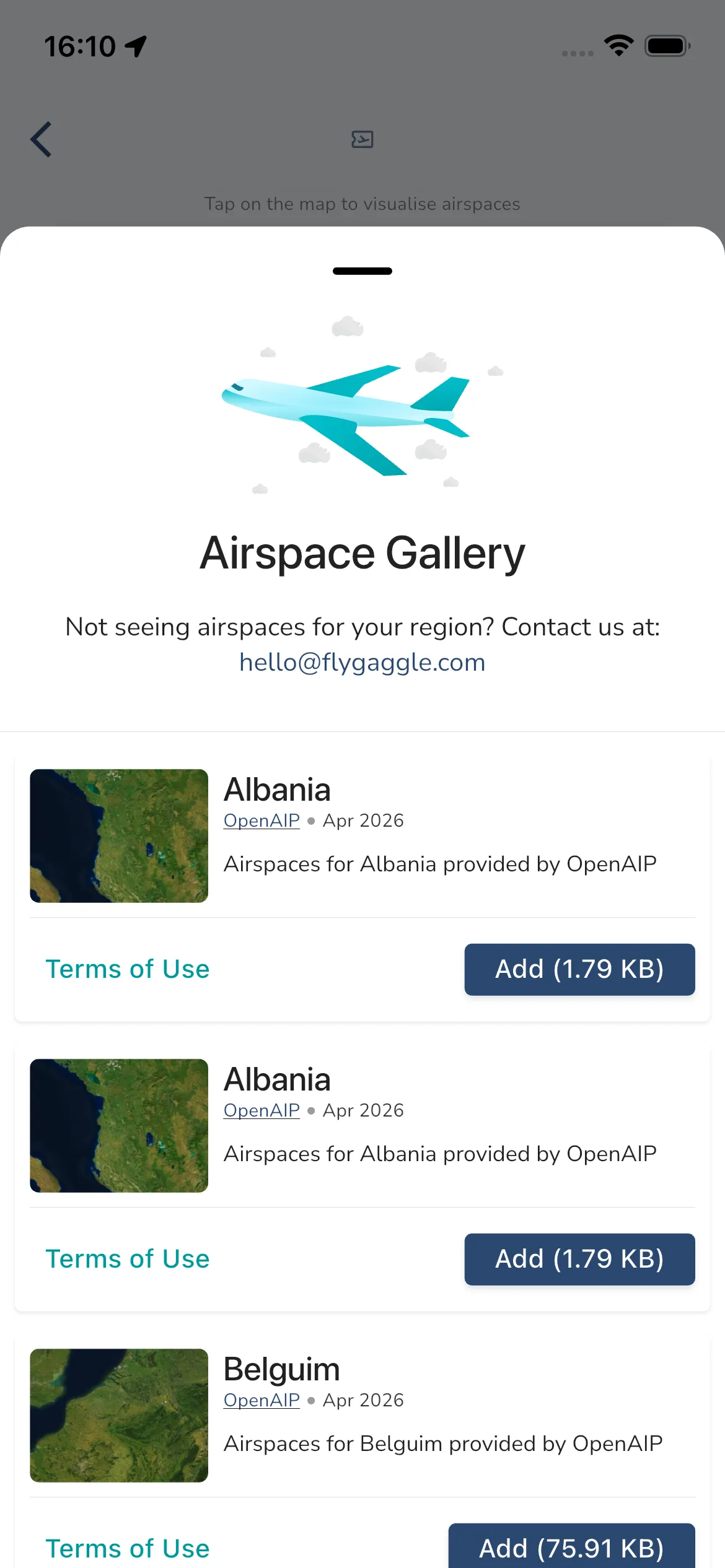
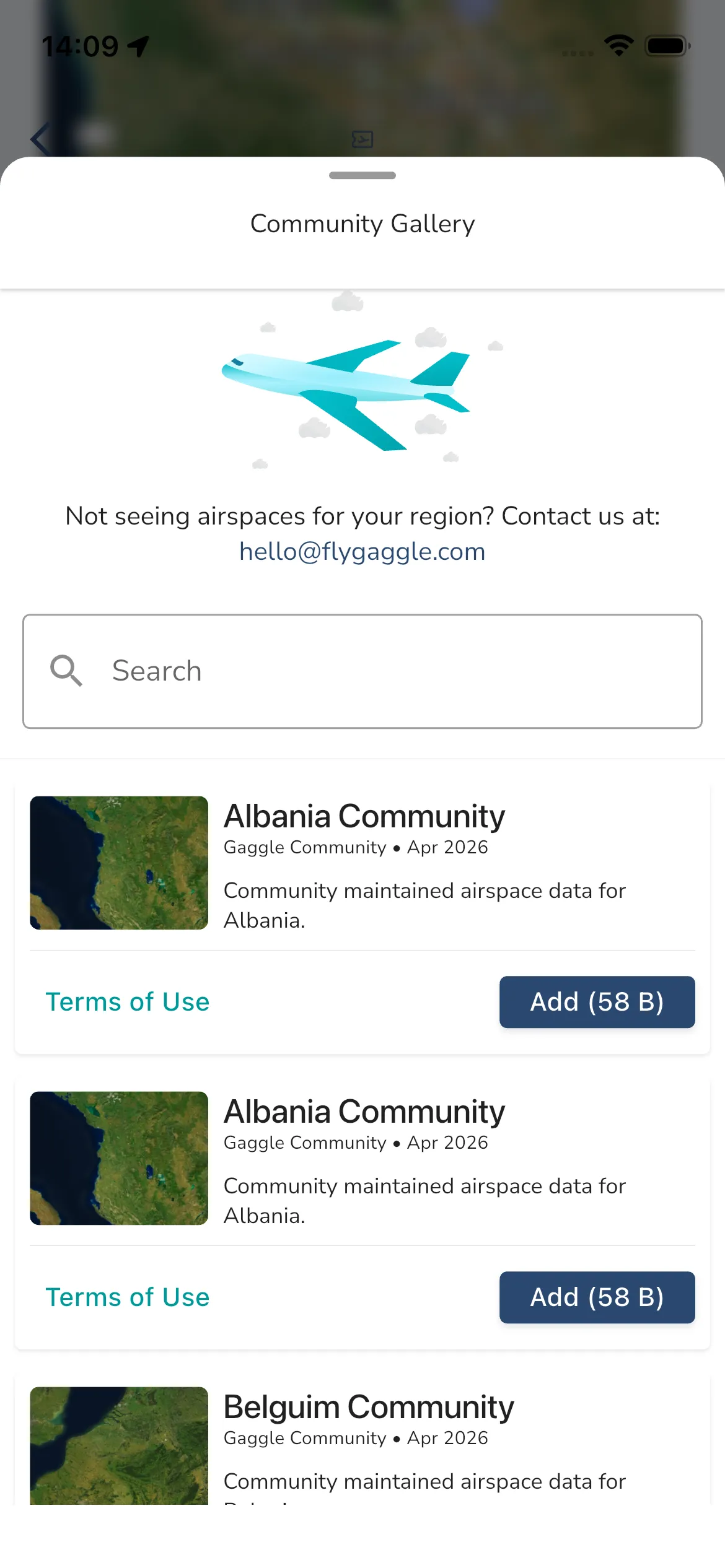
- Choose Airspace Gallery for official packs or Community Gallery for community-maintained packs.
- Search or browse the list.
- Tap Add on the pack you want.
After installation, the pack appears in the matching installed section on the Airspaces home screen. You can then open its settings, or for community packs, open the Community Hub if your account has community-airspace contribution access.
Each gallery card can include:
- Collection image and description.
- Attribution and last update month.
- Terms of Use link.
- Add or Remove action, depending on whether it is already installed.
Community packs are maintained by Gaggle users for that country or region. If you install an official pack that has a linked community pack, Gaggle can also add the linked community pack automatically unless you have opted out of it before.
If you do not see coverage for your region, use the contact prompt in the gallery to request it.
Warning: Airspace information in Gaggle may be incomplete, outdated, or inaccurate. Always verify with official publications before flying.